
Free trial
€0
7 days · 1 computer
- The full version, nothing held back
- No payment card needed
- Stops by itself, nothing to cancel
- One trial per e-mail address
Adobe Illustrator panel · Mac & Windows
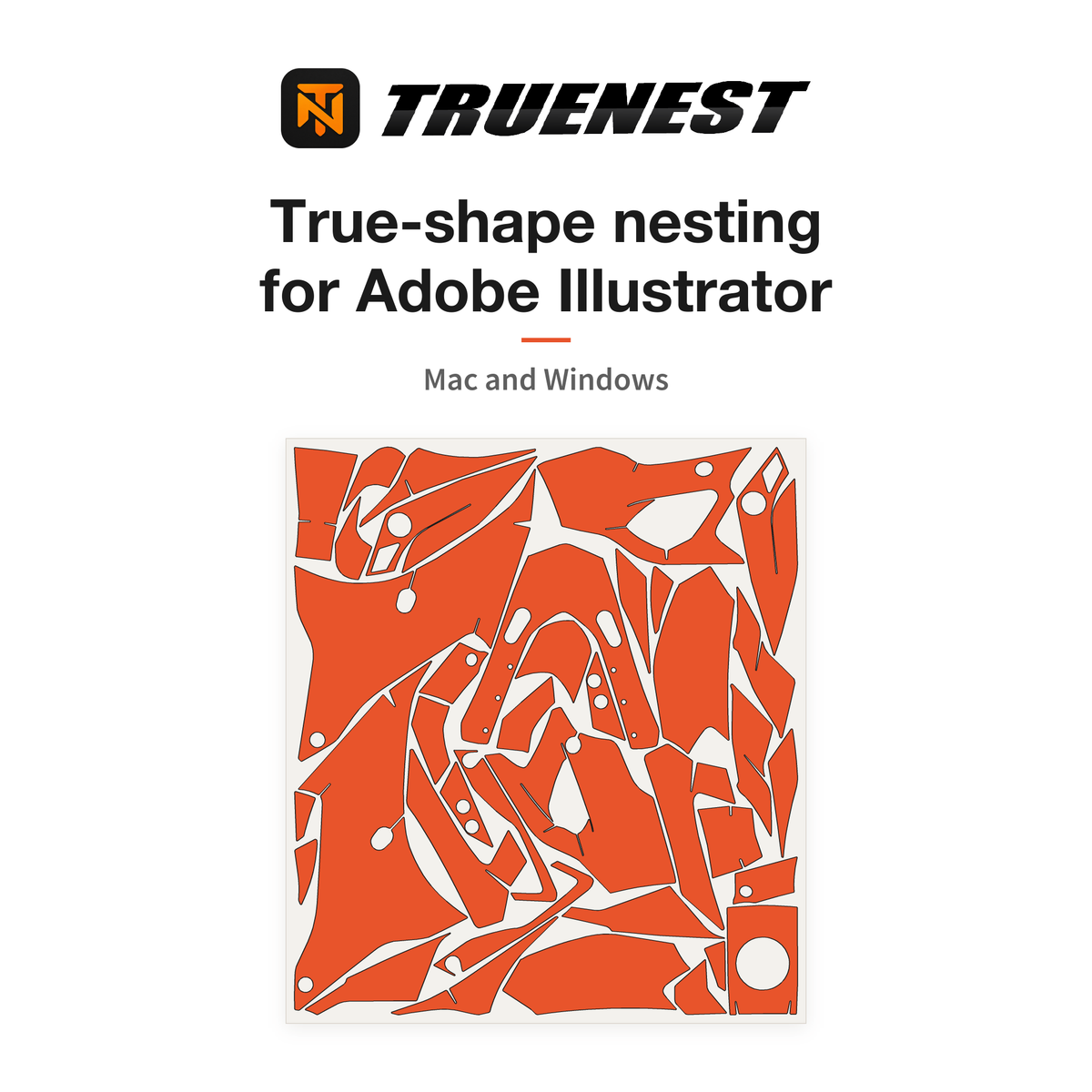
TrueNest Pro nests decals, stickers and wrap kits by their real cut line, not by the rectangle around them, and not in another program. Angled and irregular pieces slot into each other's gaps, so more can fit on a sheet and less film ends up in the bin.
Half price on the monthly subscription · cancel any time.
Trial: full version, 1 computer, no payment card. It stops by itself.
Monthly plan · −50 %
Monthly subscription at half price, new versions included while it is active, cancel any time from your customer account.
€0
7 days · 1 computer
€29,99 / month
€59,98
1 computer
€49,99 / month
€99,98
2 computers
Or pay once
The same panel, the same updates. Pick how many computers.
€499,00 once
€749,00 once
€999,00 once
Prices include VAT. A future major version, if we release one, is offered to lifetime customers at a reduced price.
Each subscription adds its own computers on the same e-mail address: two Solo give 2, Solo plus Studio give 3. Changing plan or machine? Write to support@gettruenest.com.
Sold to professionals only: please enter your company name at checkout. Subscription terms: Cancellation policy.
01 · The same kit, twice
Every piece keeps its real cut contour and is turned to whatever angle saves space. Nothing is mirrored, and nothing moves in your document until you click Apply.
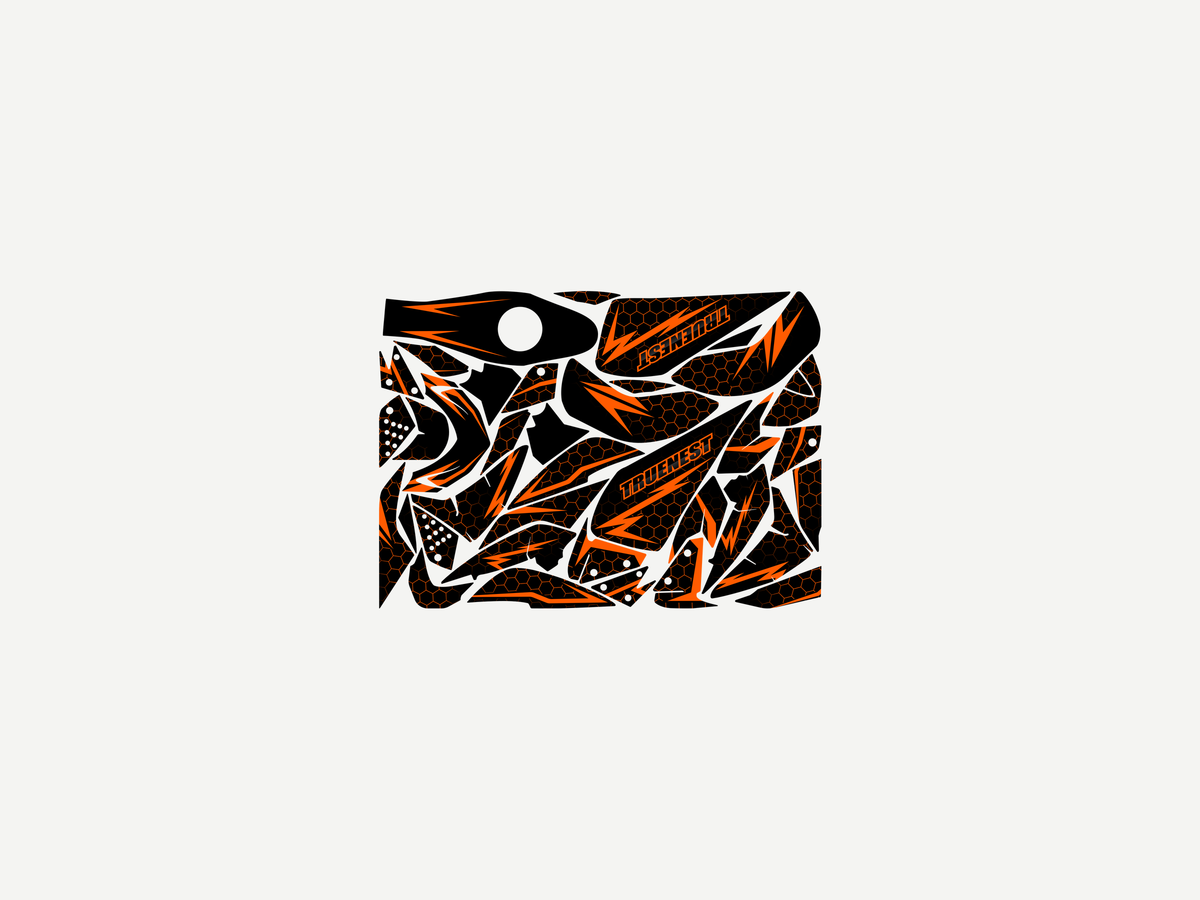
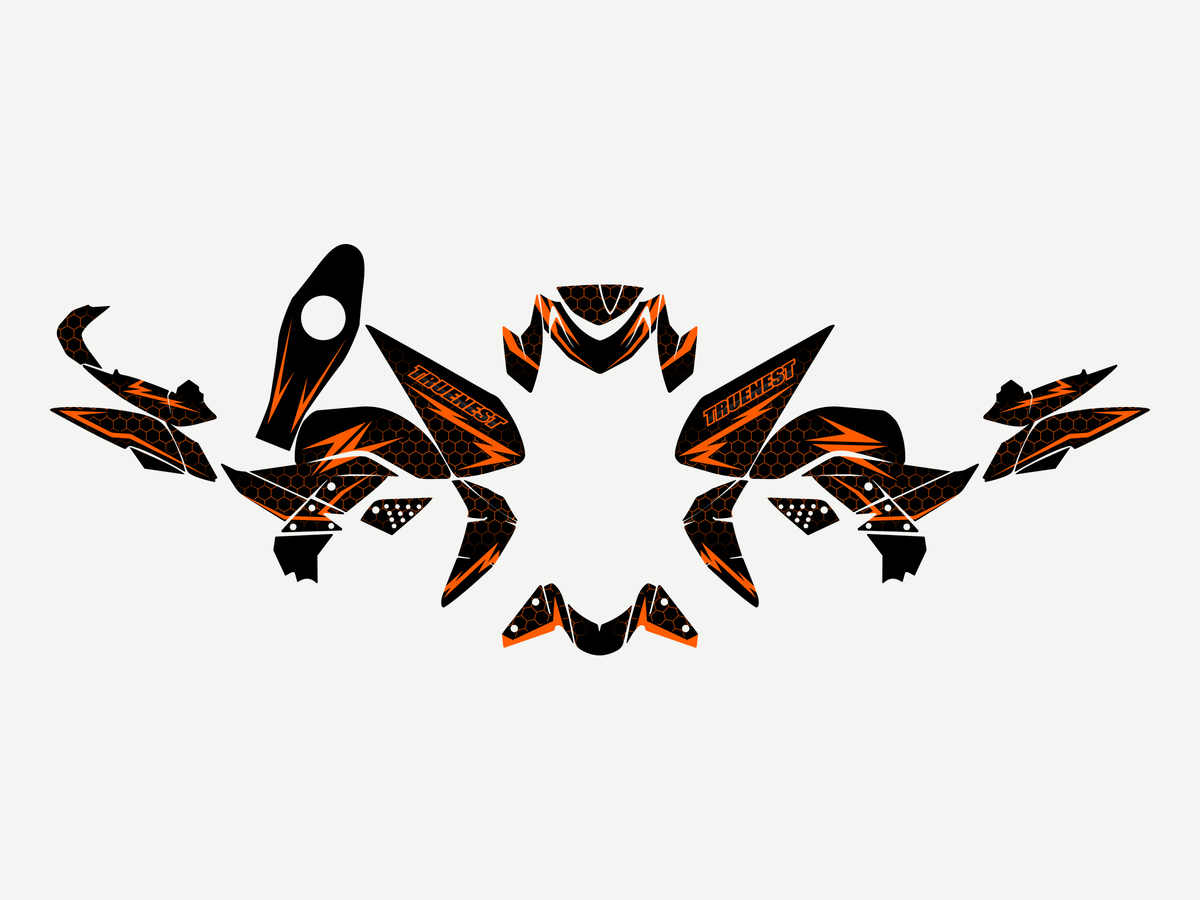
Layout computed by TrueNest Pro on this real kit. Drag anywhere on the image.
The same kit nested by TrueNest Pro: 25 cm of roll saved in this example.
02 · Your combo, your numbers
Take 15 % of the sheet as an example of what nesting by true shape can save: it is not a measured average, so check it on your own kit with the free trial. Pick the film and laminate you run, put in your monthly metres, and see what 15 % would be worth.
Print film
Laminate
Substance list price, VAT included
31,42 € / linear m
Prices per linear metre from the Substance printed price list, converted to VAT included (film + laminate, 1,37 m wide). Your own prices may differ: type the price you actually pay.
Film you could save, per month
45 linear m
In money, per month
1 414 €
Once the €29,99 Solo plan is paid
1 384 € would stay in the shop
Plus the arranging time you save on each kit, which is not counted here.
15 % of your monthly metres × your price per metre, as an example. Film and laminate only: cutter time, ink and labour are not counted. Kits of plain rectangles gain little, kits of angled and irregular pieces gain the most.
03 · Three ways to fill a sheet
Method A
Method B
Method C · TrueNest Pro
04 · Inside the panel
A panel inside Illustrator, not another program to learn. It reads your groups and the spot colour of your cut lines (CutContour by default, or your own name).
Set bleed per piece and blade margin once. The panel measures the real gap between cuts, tells you when it comes back under your setting, and refuses layouts that are too tight.
The layout appears in the panel before anything moves in your document. Optimize searches again and keeps the better result. After Apply, Cmd+Z (Ctrl+Z on Windows), pressed as many times as needed, brings your file back.
Enter your roll width and maximum sheet height. When a kit does not fit, TrueNest Pro fills up to 40 sheets, each on its own artboard trimmed to the height actually used.
Right after Apply, for the options you tick: cut lines and artwork sorted onto two layers you name the way your RIP expects, up to three logos placed in the free space, the order number printed with its own cut frame, and registration marks for selected Graphtec and Summa cutters (beta: check your first sheet).
English, French, German, Spanish, Italian and Portuguese, in millimetres, centimetres or inches. Once activated the licence renews itself, and without internet the panel keeps working for about two weeks.
05 · Three steps
Settings are entered once and remembered. After that, nesting a kit is a selection and two clicks.
Each piece is one group: its artwork plus its cut line in a spot colour.
Sheet width, height, bleed and blade margin go in once. Select your pieces, pick a search time (8 s, 30 s or 1 min) and click Nest selection.
Check the preview, click Apply, then print and cut the sheet exactly as you do today.
06 · Will it run here?
Solo covers 1, Studio covers 2. Subscriptions stack on the same e-mail address: two Solo give 2 computers, Solo plus Studio give 3. The free trial runs on 1. Changing machine? Write to us and we free the old one.
Nothing moves in your document until you click Apply: the layout is shown in the panel first. After Apply, Cmd+Z or Ctrl+Z, pressed as many times as needed, brings your file back. Saving before you nest is still the safest.
Yes. Pieces are turned to any angle to save space, and there is no setting to keep them upright. Take care with films that have a direction, such as brushed, carbon or reflective.
The full version for 7 days on 1 computer, with no payment card. It stops by itself: no automatic payment and nothing to cancel. One trial per e-mail address.
From your customer account, any time. No further payment is taken and your licence keeps working until the end of the period you already paid for. How to cancel.
Give the panel your roll width and maximum sheet height. It fills up to 40 sheets, each on its own artboard trimmed to the height actually used.
Full version, 7 days, 1 computer, no payment card. Nest one real job, compare the sheet length, and decide with a number in your hand.